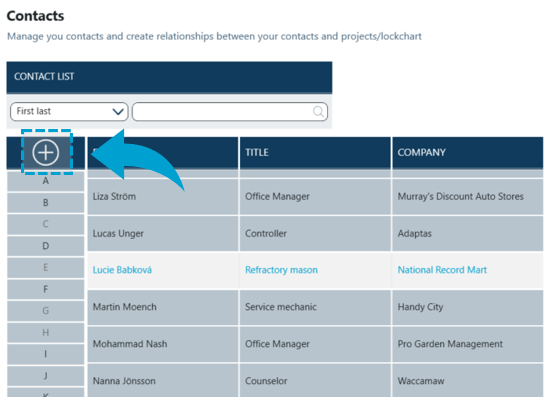
To add a new contact users use the plus sign at the top of the list.
Empty Details pane becomes available. Mandatory fields are indicated with a red star icon.
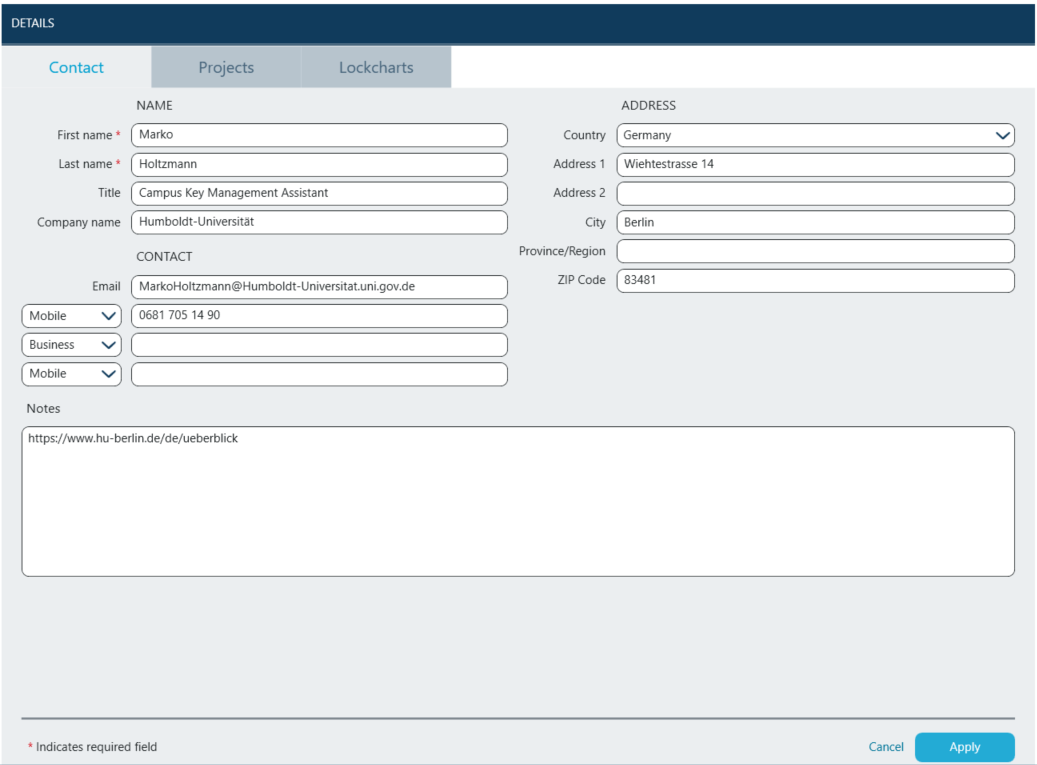
After all required fields have been populated clicking Apply will create the contact and add it to the list of existing contacts.